Where Do Downloaded Videos Go on iPhone? (And How to Move Them to Photos)
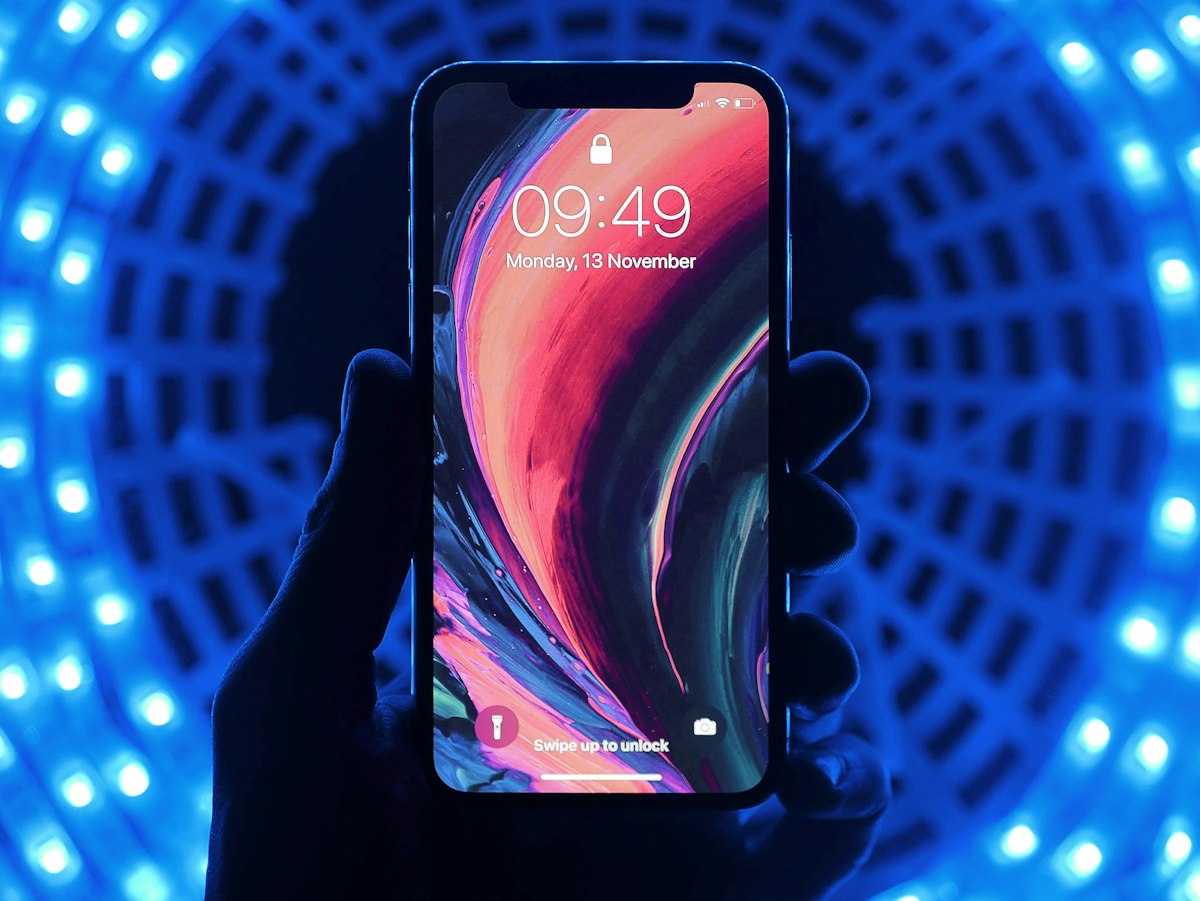
You hit download on a video in Safari, watch the little blue circle finish, and jump straight into your Photos app expecting to see it at the bottom of your camera roll.
Except it isn’t there.
Your phone didn't glitch, and the download didn't fail. When you save an MP4 from the web, iOS dumps it into the Downloads folder inside the Files app—not your Photos app. Apple treats web downloads as generic system files, the exact same way a Mac or PC puts downloads in a dedicated folder rather than your personal picture albums.
Here is how to track down the video and get it into your camera roll where it belongs.
If You Still Have Safari Open
This is the fastest route, taking maybe five seconds:
- Look at your Safari address bar (whether you have it docked at the bottom or top of your screen). Tap the little blue circle with the downward arrow. If you don’t see it, tap the aA icon, then tap Downloads.
- Tap the video file in the list. It will pop open right inside a full-screen preview player.
- Tap the Share icon (the square with an arrow pointing up) in the bottom corner.
- Scroll down the menu and tap Save Video.
That’s all it takes. Once you tap that, iOS copies the MP4 out of your system files and places it directly into your Photos library.
If You Already Closed the Safari Tab
You don’t need to go back, find the link, and download it a second time. The file is already sitting on your phone:
- Swipe down anywhere on your home screen to bring up search, type Files, and open the blue folder app.
- Tap the Browse tab in the bottom-right corner.
- Tap into the Downloads folder. (Can't see it? Tap "Locations" in the top-left corner, tap "On My iPhone", and you’ll find the Downloads folder there.)
- Find your video, press and hold the file thumbnail until the options menu pops up, tap Share, and hit Save Video.
Quick time-saver: If you downloaded several clips at once, you don’t have to do them one by one. Tap the three dots (...) in the top-right corner of the Files app, tap Select, check off all the clips, hit the Share icon at the bottom, and select Save [X] Videos to move the whole batch in one shot.
Why Doesn't "Save Video" Show Up?
If you hit the Share button and that "Save Video" option is completely missing, you're almost certainly dealing with one of these two things:
- The download hasn't finished yet: If you're pulling down a heavy 1080p or 4K file, Safari generates a temporary placeholder while the rest of the clip buffers in. If you open the share sheet before the circle finishes filling up, iOS doesn't know it's a finished video yet. Give it a minute, close the preview, and try again.
- It's a weird video format: The Photos app is pretty picky. It natively handles standard MP4s, MOVs, and M4Vs without breaking a sweat, but it flat-out refuses to touch formats like
.webmor.mkv. If the site you downloaded from gave you one of those, you won't be able to drop it into Photos. Your best bet is either watching it directly inside the Files app or opening it with a third-party app like VLC.
A Setting Worth Changing Right Now
By default, iOS likes to set Safari’s download location to iCloud Drive instead of your phone's internal storage. If you grab videos regularly, this quietly burns through your free 5GB iCloud tier and starts throwing those persistent "iCloud Storage Full" popups.
To make sure your downloads stay local:
- Open your iPhone Settings.
- Scroll down and tap Safari.
- Under the General section, tap Downloads.
- Change the checkmark from iCloud Drive to On My iPhone.
Quick Questions
Does saving a video to Photos delete it from the Files app?
No. iOS duplicates it. It leaves the raw file in your Downloads folder and puts a fresh copy in Photos. If your phone is running low on space, go back into the Files app after saving and delete the original MP4 so you aren't holding two identical copies.
Can Safari save straight to the camera roll automatically?
Not out of the box. Apple blocks websites and browsers from writing files directly into your personal photo library for security reasons. You can set up an automated iOS Shortcut to do it, but manually tapping "Save Video" is usually much less hassle.
Where do downloads go if I use Chrome or Firefox instead?
They follow the same rule. Open the Files app, go to On My iPhone, and you’ll see dedicated folders labeled Chrome or Firefox where those browsers store their downloads. From there, long-press the file, tap Share, and hit Save Video just like normal.

Marcus Vance
Mobile Systems & Video Codec Specialist
Software engineer and mobile tech writer specializing in Android hardware acceleration, video compression (H.264/HEVC), and smartphone storage optimization.
Pronto para baixar seu primeiro vídeo?
Experimente nossa ferramenta gratuita agora mesmo. Não requer registro.
Ir para Saveinx Video Downloader